Sunrise 2027 for small sellers
US retail tills aim to scan QR codes by the end of 2027. Your UPC stays. Add a QR code with your product number when you're ready. Free, no account.
Your UPC stays
Worried about your barcodes? Keep them.
QR codes from your list
A code for every product? Open your product list.
Codes that scan
A wrong digit? Catch it before you print.
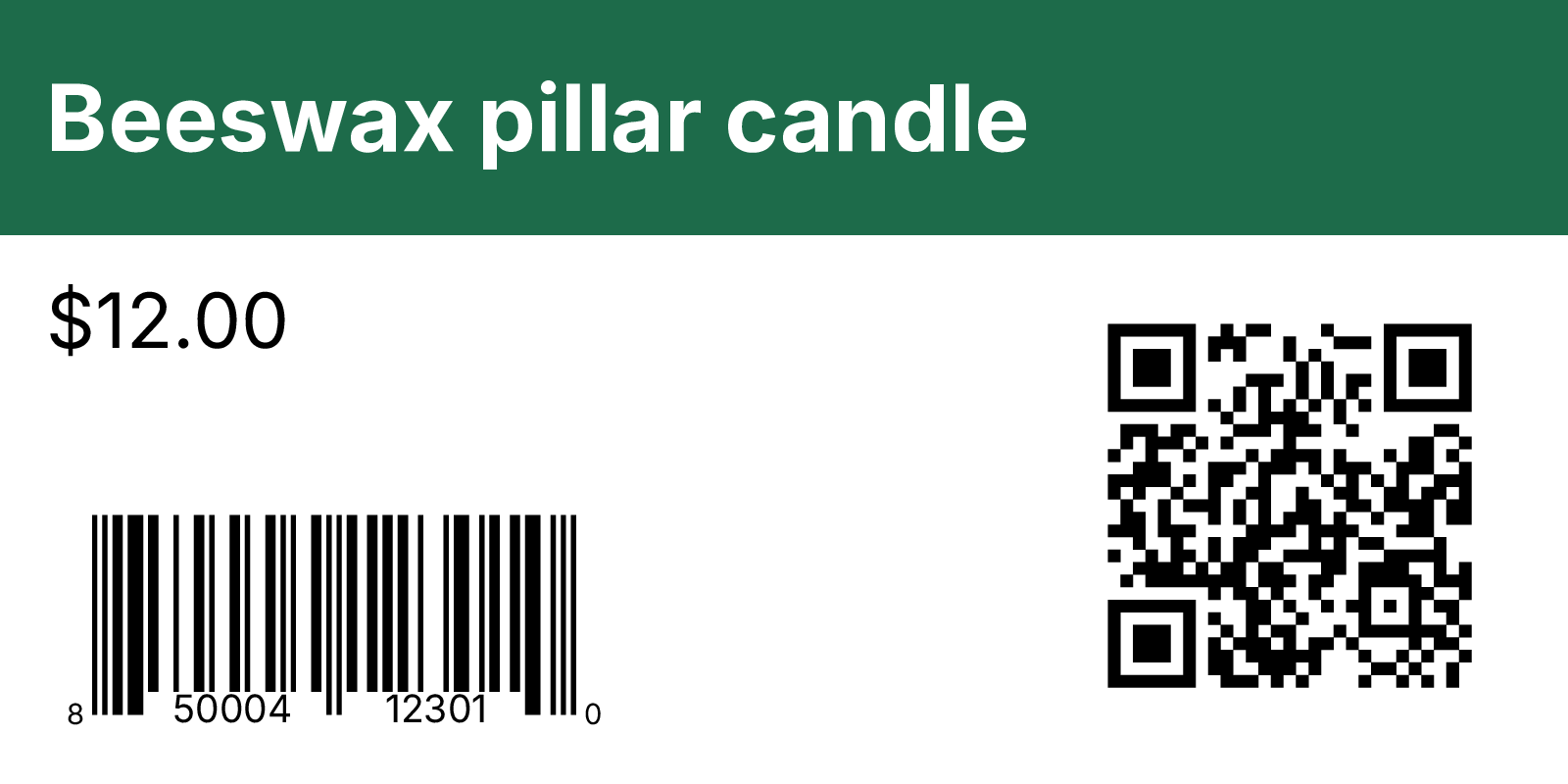
A UPC and a QR code on one label
Not sure what to print? Both, side by side.
How to add a QR code beside your UPC
- 1
Open your product list
Drop in your Excel or CSV file with a column of UPC or EAN numbers.
- 2
Pick the barcode
Choose UPC-A or EAN-13 and the column it comes from.
- 3
Add the QR code
Tick QR code beside it, then choose a GS1 link from the same number or a column of your own links.
- 4
Scan before you print
Print one sheet at Actual size and scan both codes, the UPC with your scanner and the QR code with your phone.
Common questions
What is Sunrise 2027?
A GS1 US goal for every retail till in the US to scan 2D barcodes, like QR codes, by the end of 2027.
Are UPC barcodes going away?
No. GS1 US describes a gradual move to 2D codes, and tills keep reading UPCs. Keep your UPC and add a QR code next to it when you're ready.
Do I need a QR code on my products?
Not yet. GS1 US suggests starting with a 2D code beside the UPC that carries your GTIN, the number in your UPC.
What is a GS1 Digital Link QR code?
A QR code holding a web link with your GTIN in it, like https://id.gs1.org/01/00850004123010. A phone opens the link, and a till that reads 2D codes gets the product number.