A free label maker for Chrome
Text, links and images from any page, on any label sheet, as a PDF. Free, no account.
Add to Chrome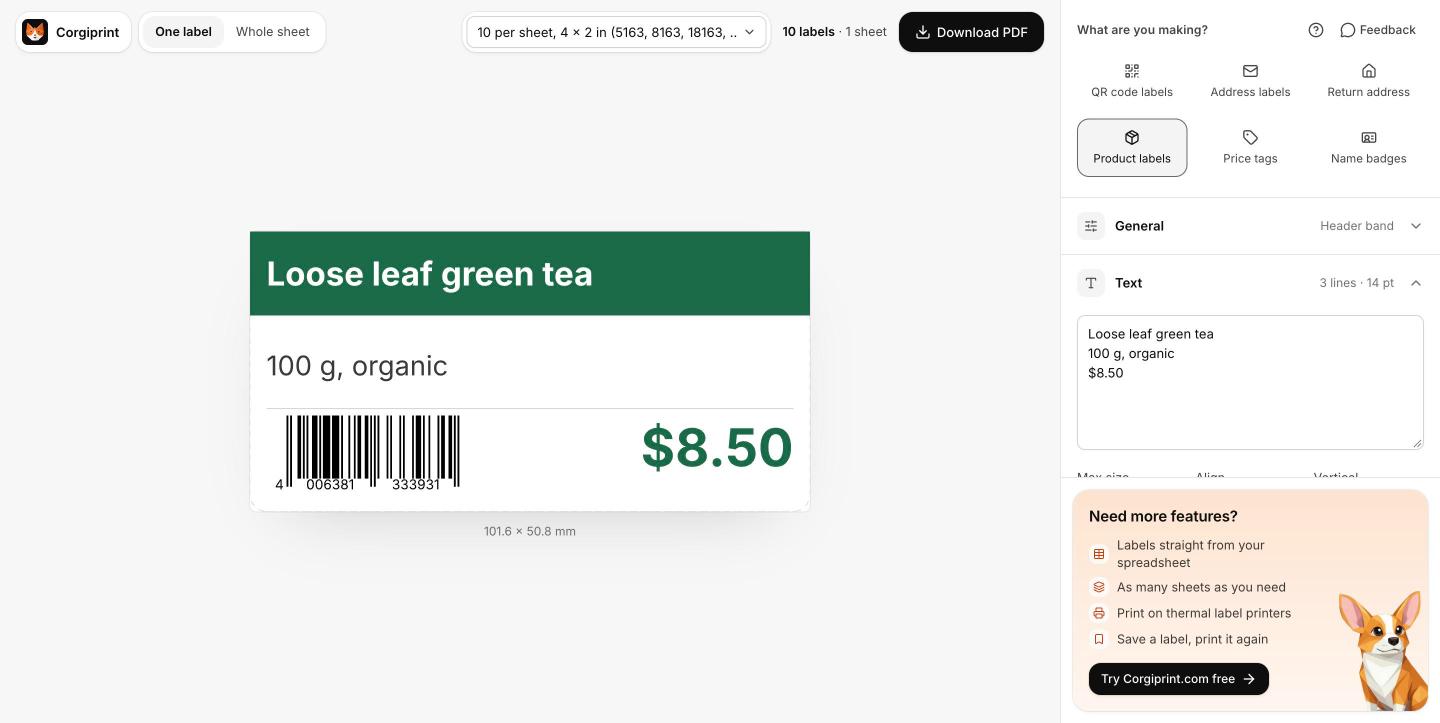
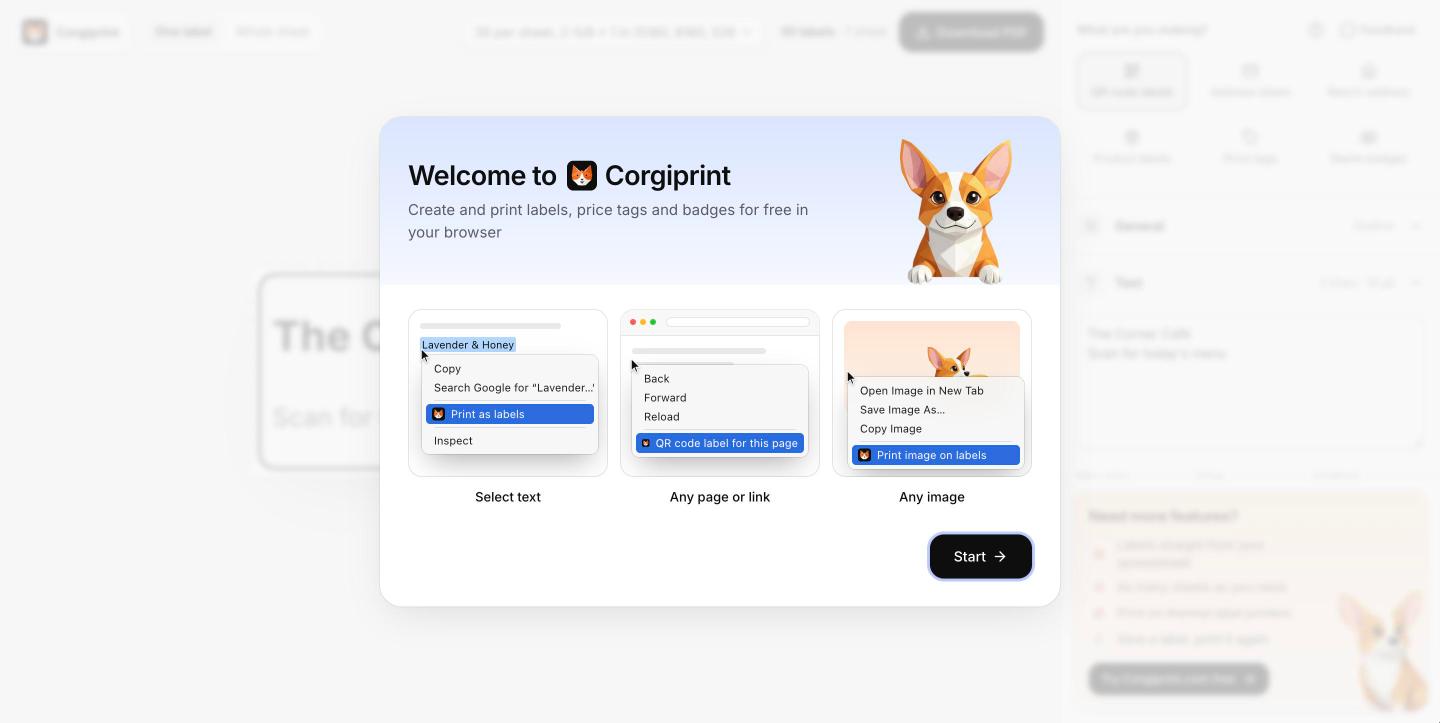
Right-click to print
Text, a page or an image, on a sheet of labels.
Barcodes that scan
A wrong digit? Catch it before you print.
Every format of sheet
Not the usual brand? Any sheet works.
Partly used sheets
Half a sheet left? Start at any label.
Right-click to print
Text, a page or an image, on a sheet of labels.
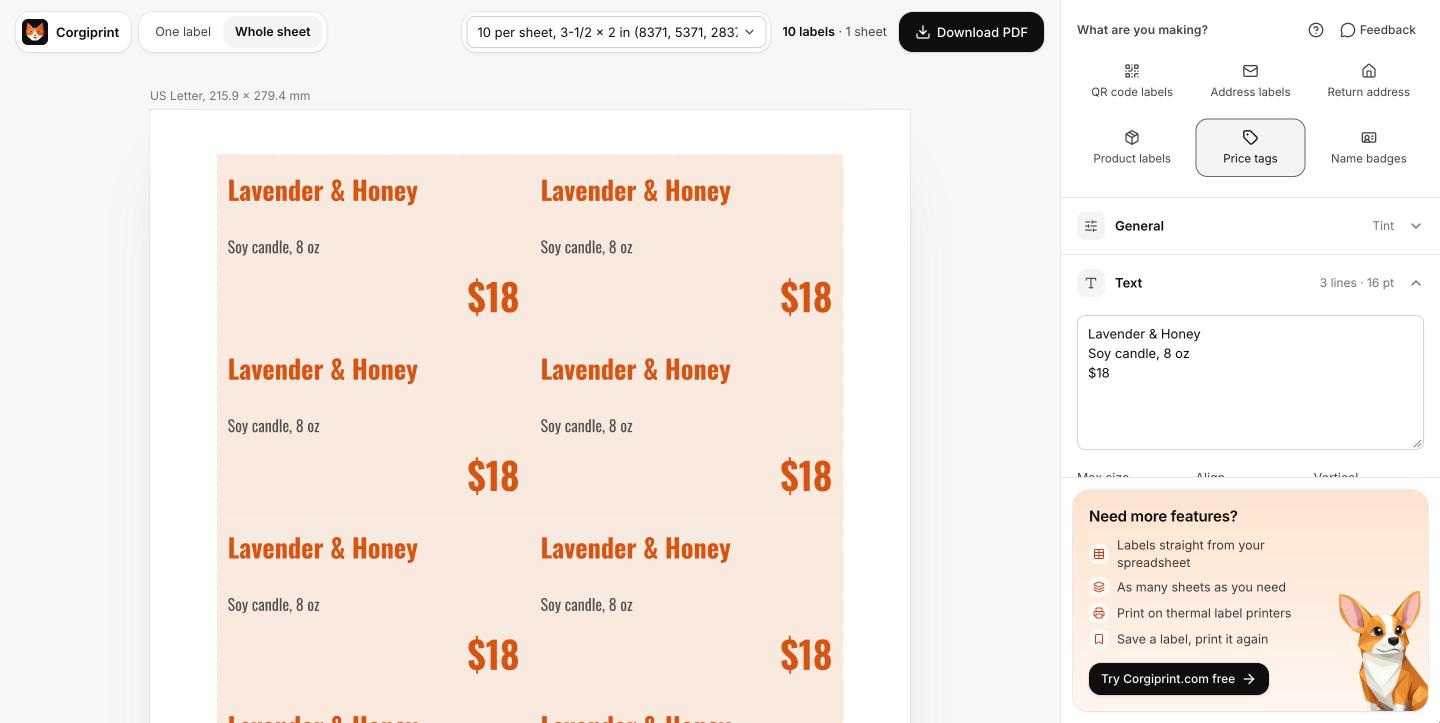
Price tags
Prices changed? New tags from the product page.
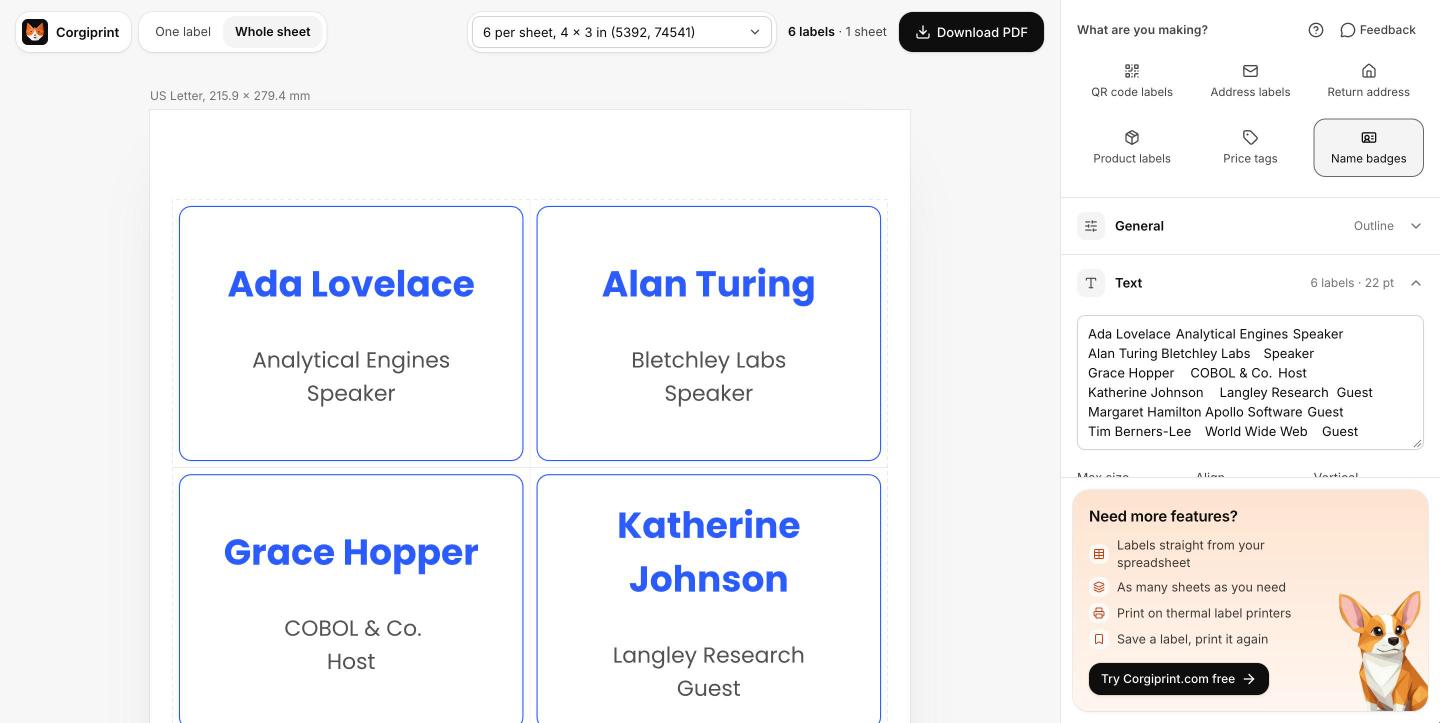
Name badges
Writing badges by hand? Print them instead.
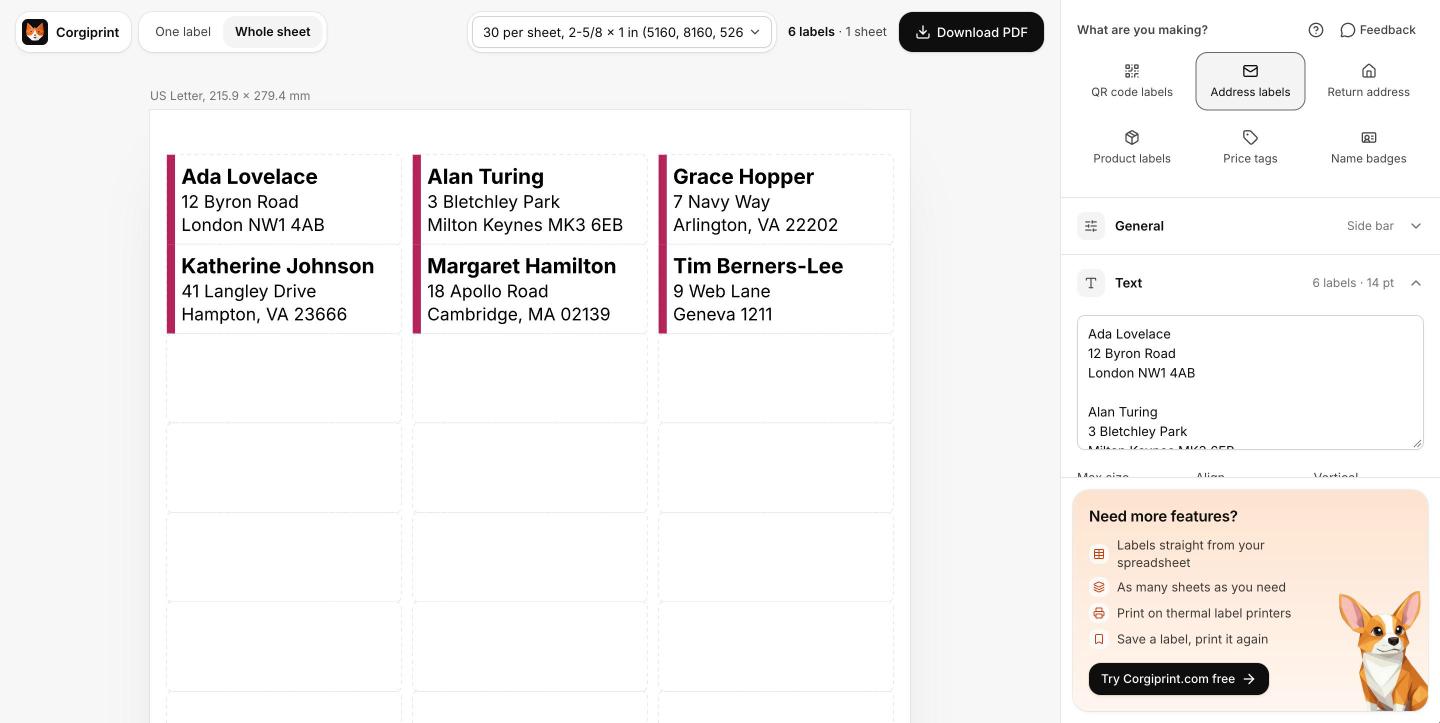
Address labels
Addresses on a web page? Print them as labels.
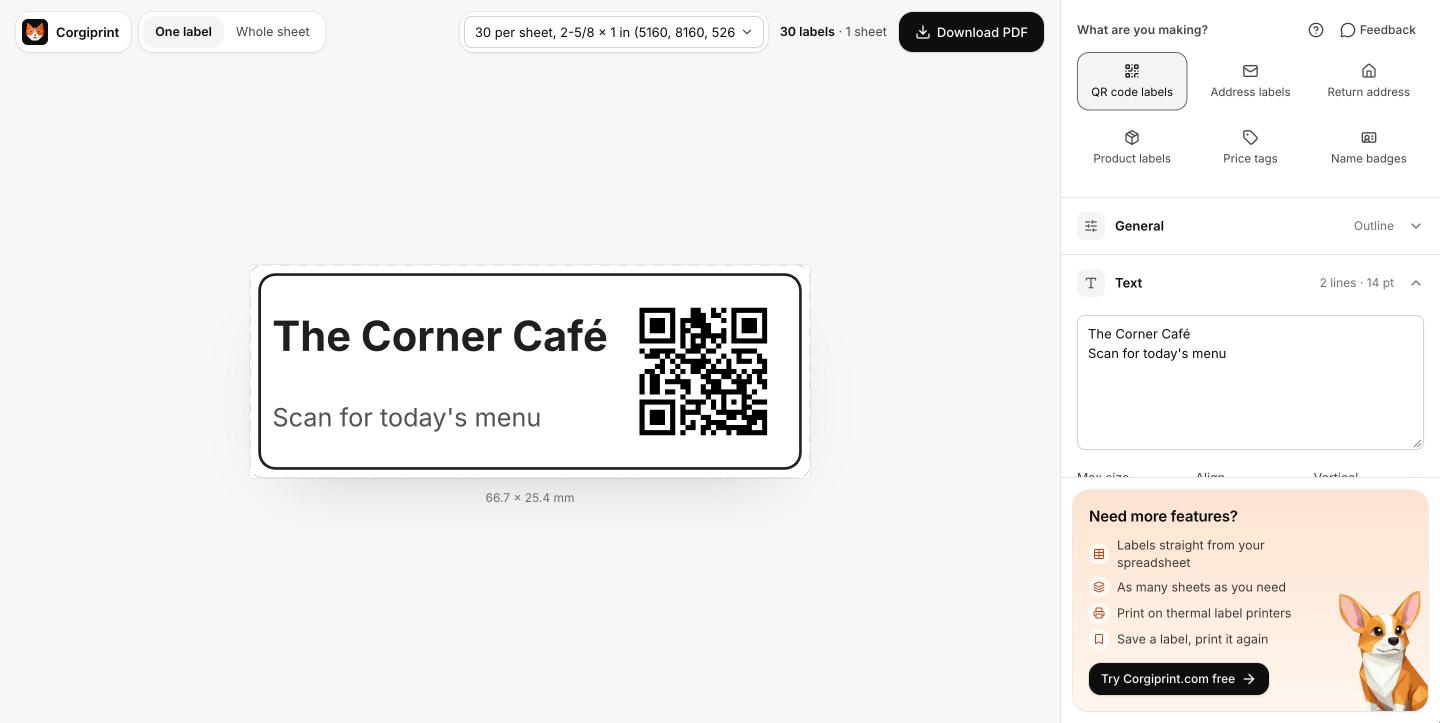
QR code labels
A link to share on paper? Put it on a label.
Labels on a Chromebook
No label software for ChromeOS? Make labels in your browser.
Need more features?
- Labels straight from your spreadsheet
- As many sheets as you need
- Print on thermal label printers
- Save a label, print it again

Is the Corgiprint extension free?
Yes. Up to one full sheet per PDF, with no account and no watermark. For more, open Corgiprint.com.
Which label sheets does it work with?
US Letter and A4 sheets. Find yours by the number on the box or by its size, like 5160 (2-5/8 x 1 in) or L7160 (63.5 x 38.1 mm).
Does it work with my printer?
Yes. You download a PDF and print it like any document, so any printer works. Print at Actual size, not Fit to page.
How do I make labels on a Chromebook?
Add the extension, select text on any page, right-click and pick Print as labels. You get a PDF for any printer.
Can I make QR code labels in Chrome?
Yes. Right-click a page or a link and pick QR code label. Add a line of text under the code if you like.
How do I make name badges?
Select the names, one per line, right-click and pick Name badges. Each name goes on its own badge.
Can I print on Avery labels?
Yes. Find your sheet by its number, like compatible with Avery® 5160 (2-5/8 x 1 in).
Why does Chrome say the extension can't be trusted?
Chrome shows this for extensions from new developers when Enhanced protection is on. It goes away after a few months. Click Continue to install.
Is my text stored?
No. Your text goes to our server to make the PDF and isn't kept.