A Microsoft Publisher alternative for labels
Make the labels, name badges and tickets you made in Publisher, from your spreadsheet, on any label sheet. Free, no account.

Mail merge without Publisher
Lost your mail merge? Open your spreadsheet instead.
Every format of sheet
Not the usual brand? Any sheet works.
Fix a printer that's off
Labels printing off? Fix it once.
What you made in Publisher
Labels, badges, tickets or tags? Start from your spreadsheet.
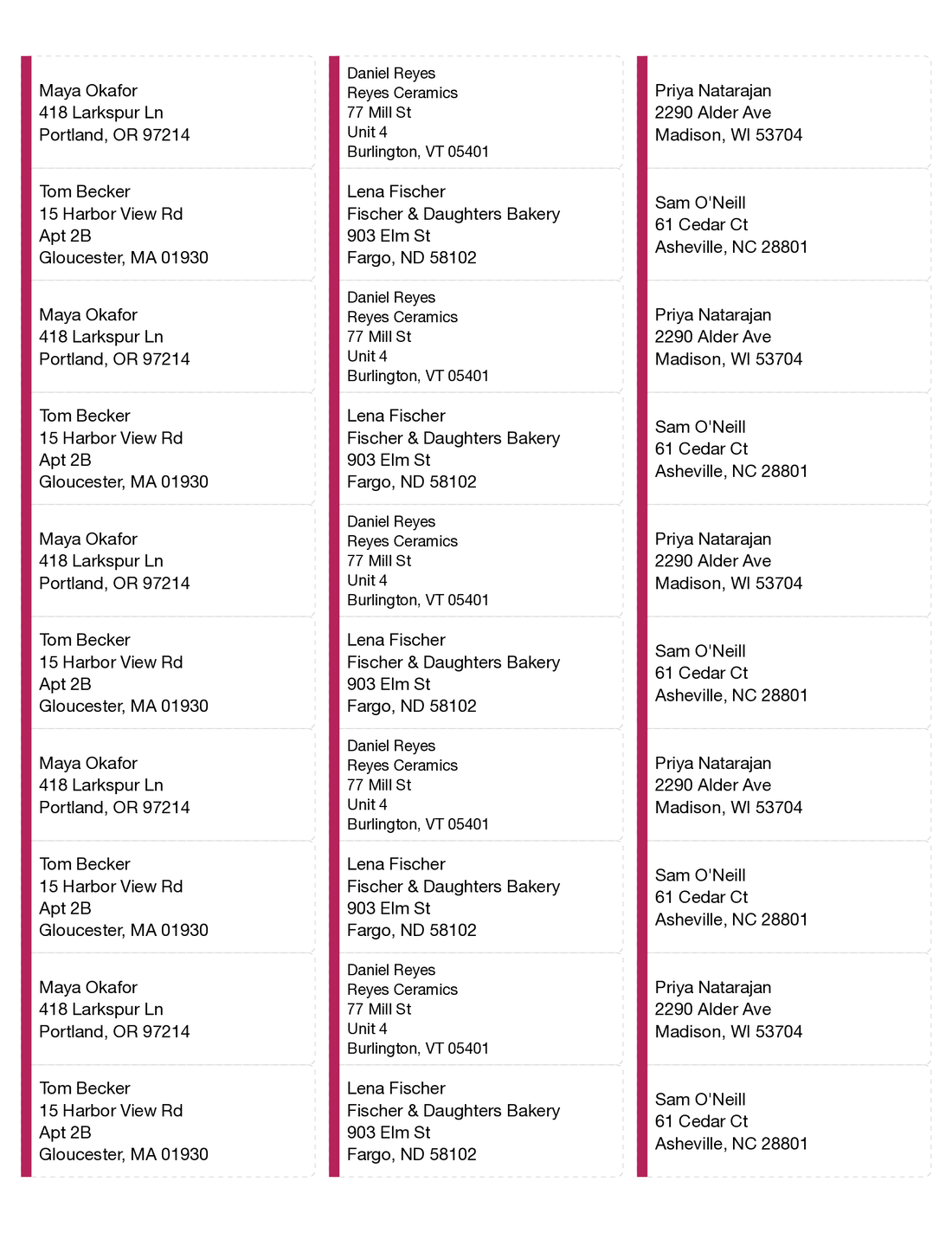
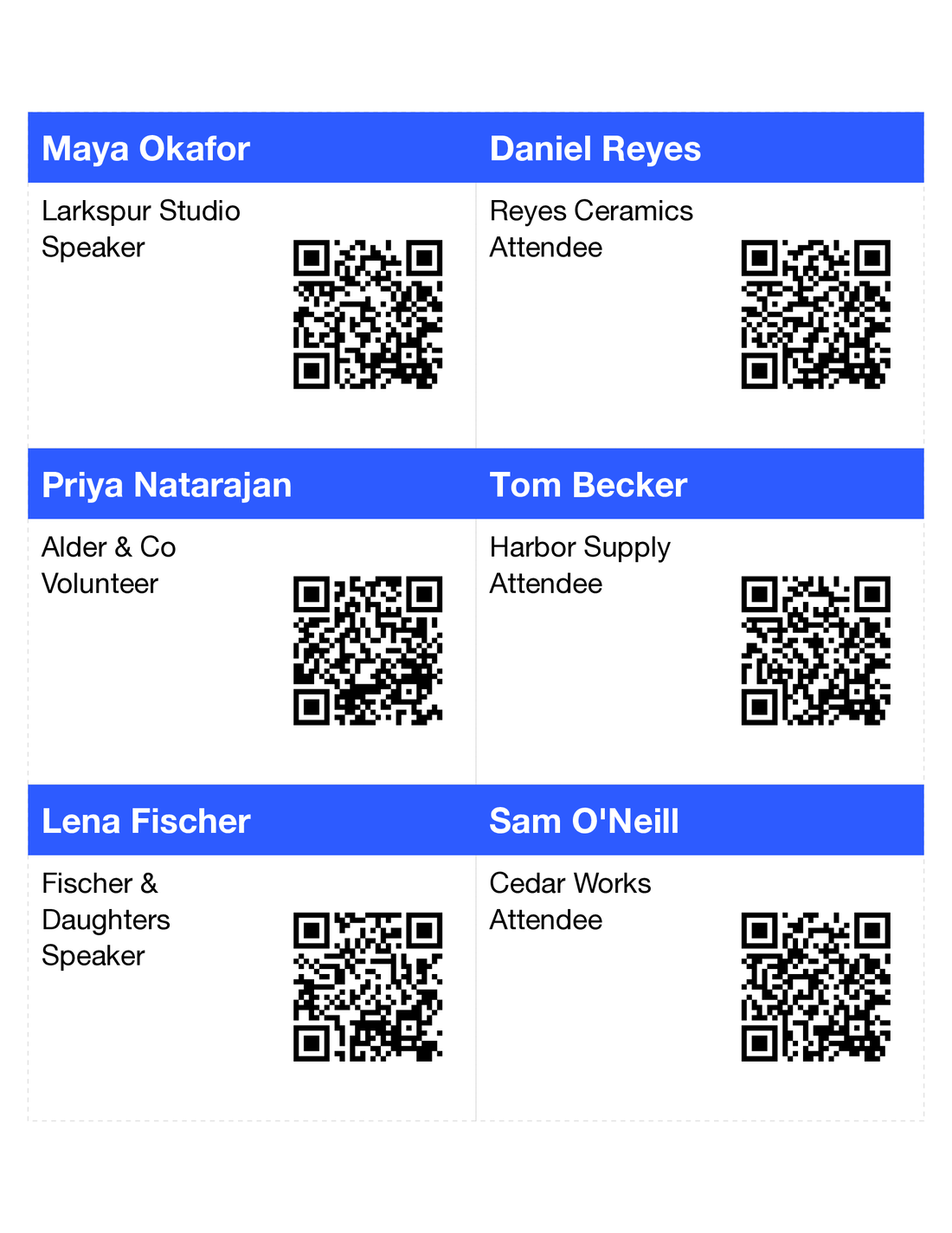
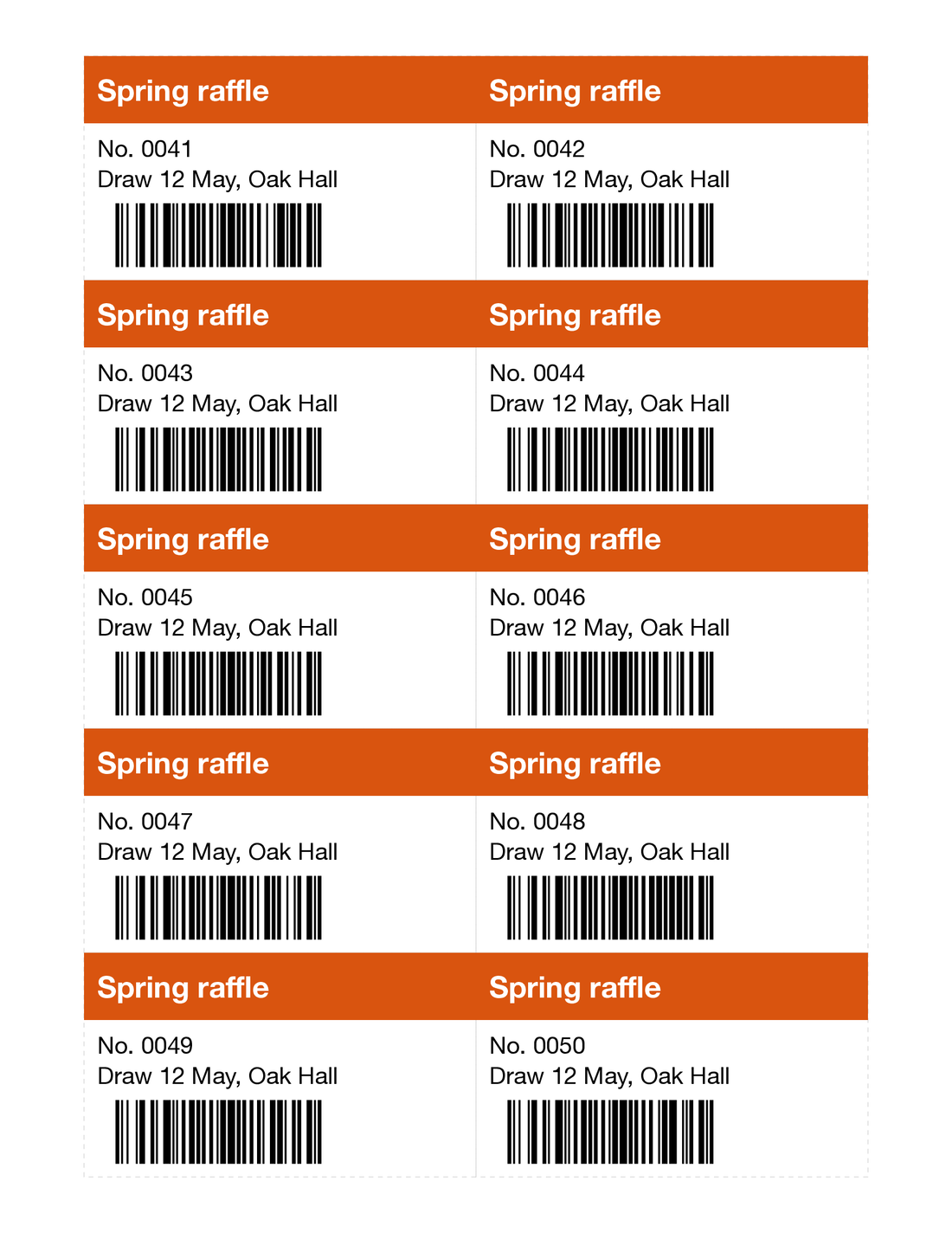
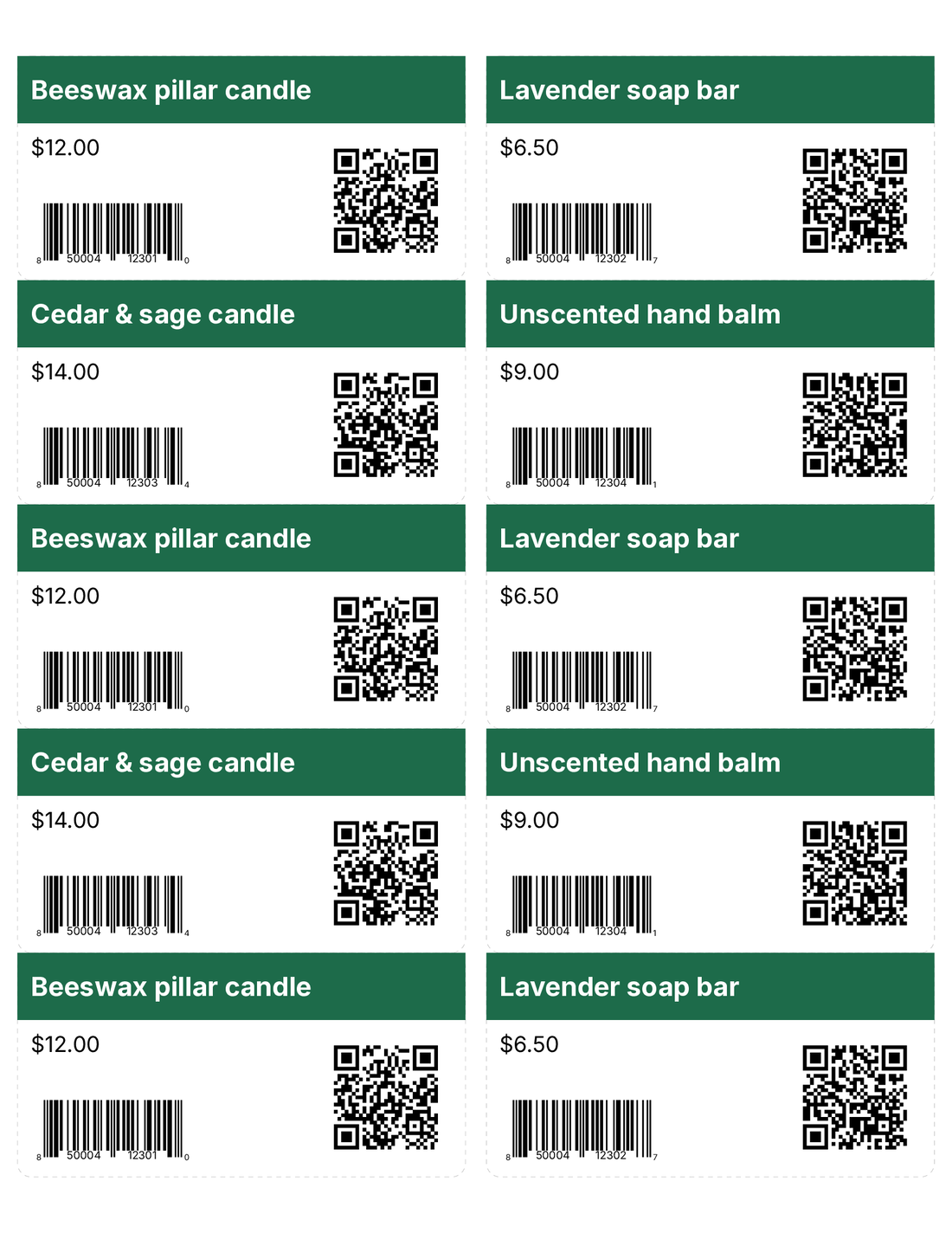
How to mail merge labels without Publisher
- 1
Open your list
Drop in your Excel or CSV file. The first row becomes the column names.
- 2
Pick your sheet
Find it by the number on the box, like 5160 or L7160, or by its size.
- 3
Choose what goes on each label
Type the lines and add columns from your file, like {Name} and {City}.
- 4
Print at Actual size
Turn off "Fit to page" in the print dialog. Try one sheet on plain paper first and hold it over a label sheet.
Common questions
What can I use instead of Microsoft Publisher?
For newsletters, flyers and brochures, Word, Canva or Affinity. For labels, name badges and tickets from a list, open your spreadsheet here and print on any label sheet.
How do I mail merge labels without Publisher?
Open your Excel or CSV file, pick your label sheet and choose the columns for each line. Download the PDF and print it at Actual size.
Can I open my old Publisher label files?
Not here. Open a .pub file in LibreOffice Draw, which is free, or save it as a PDF from Publisher if you still have it. Then make the labels again from your list.
Is it free?
Yes. Make and download labels with no account and no watermark.